The Library on Wheels

A scroll-driven children's-book about the bookmobile that visited my hometown of Sinkokdong, Uijeongbu every Thursday. Painterly bus modeled in Blender, camera animation scrubbed by scroll, AI-generated illustrations between the chapters.

View live
Timeline Spring 2026
Role Design + Engineering + Story
Type Personal narrative project
Stack React, Three.js, Blender, Vizcom, Gemini, Runway

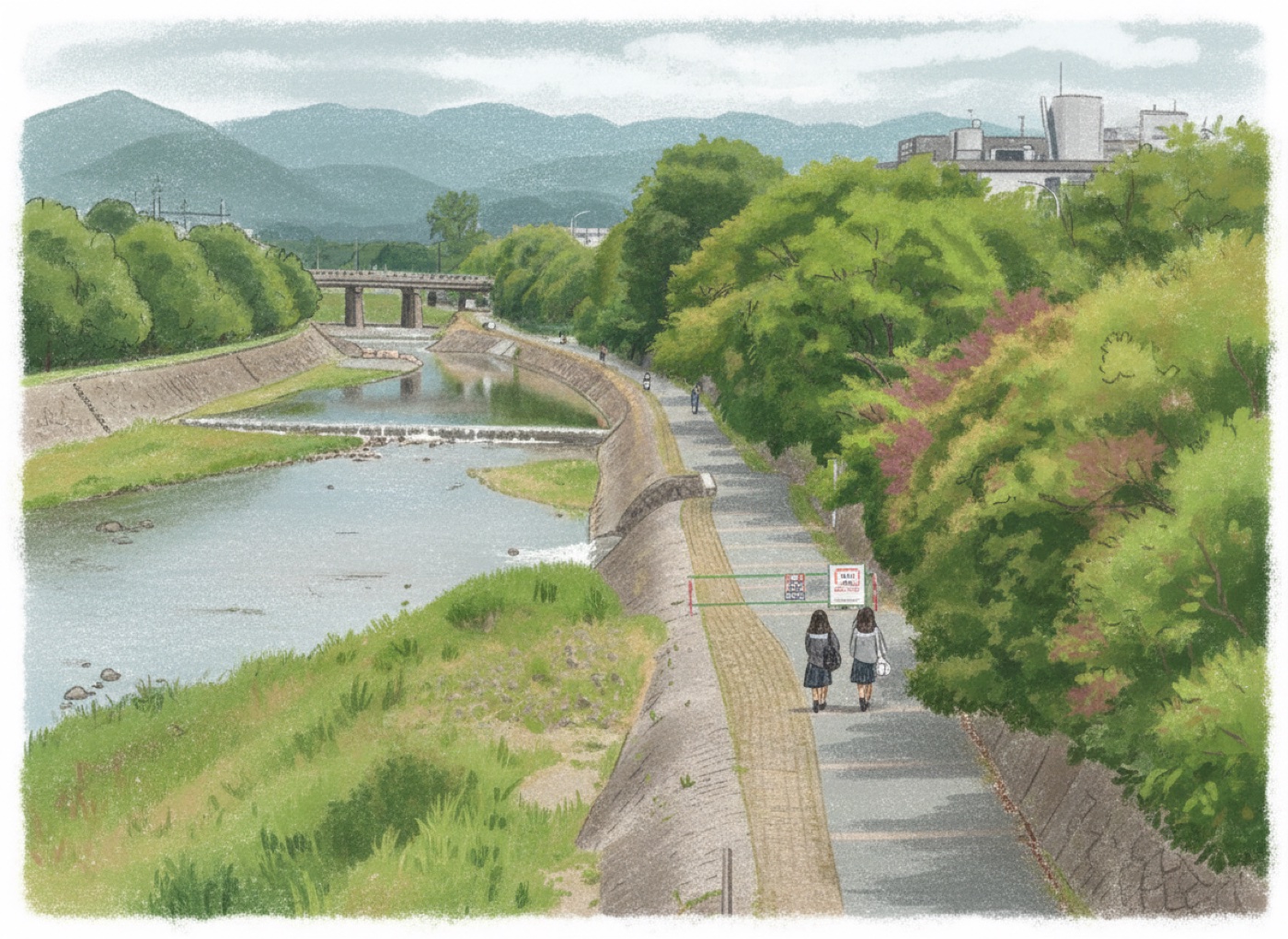
Painterly riverside path with mountains in the distance — opening illustration

The bus that came every Thursday

When I was small, a library bus came to my neighborhood once a week. I think it was Thursdays — though I'm honestly no longer sure. Time moves differently for a kid, and the bus didn't run on the kind of schedule you'd circle on a calendar; it ran on the kind you felt in your stomach the day before.

You could check out three or four books at a time. They had to last a week. I'd reread the ones I liked, slow down the ones I'd already finished, and on the last morning before the bus came back I'd line them up next to the door so I wouldn't forget. The waiting was part of the experience. Maybe most of it.

I started this project because I wanted to make the version of that memory I could share with somebody else — not as a documentary, but as the way a child remembers something. Soft edges, warm light, a few details exaggerated and the rest gone vague.

We didn't call it infrastructure. We didn't call it a solution. We just called it Thursday.


Five scenes, told through scroll

The site is one long page. There's no clicking through anything — you scroll, and the camera moves with you. The story unfolds in five short scenes:

1. The Book. A quiet country, a place most people never visited.
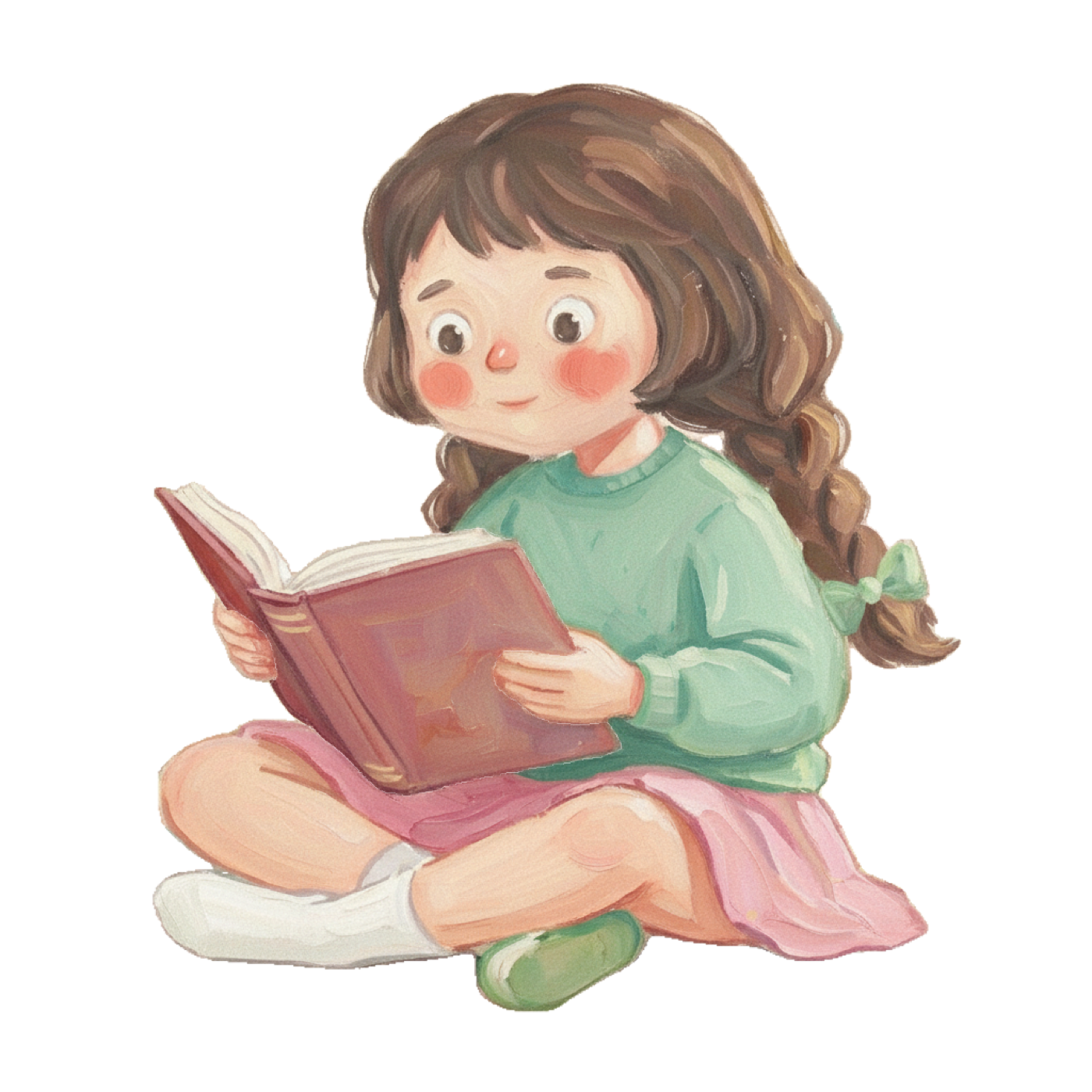
2. A Girl Reading. The northern reaches of Gyeonggi, a child who waited.
3. Thursday. The bus appears. The 3D camera animation begins.
4. Hope on Wheels. One bus, one librarian, and a chance to explore beyond the village.
5. Memory. Years later, in cities with grand libraries, still remembering the weeks I waited.

Scenes 1 and 2 are AI-generated paintings that slide up from below as you scroll. From scene 3 onward, the painterly 3D bus takes over — and the camera flies around it at exactly the rate you scroll.

Vite React + TypeScript react-three-fiber @react-three/drei Three.js Lenis Blender Vizcom Gemini Runway
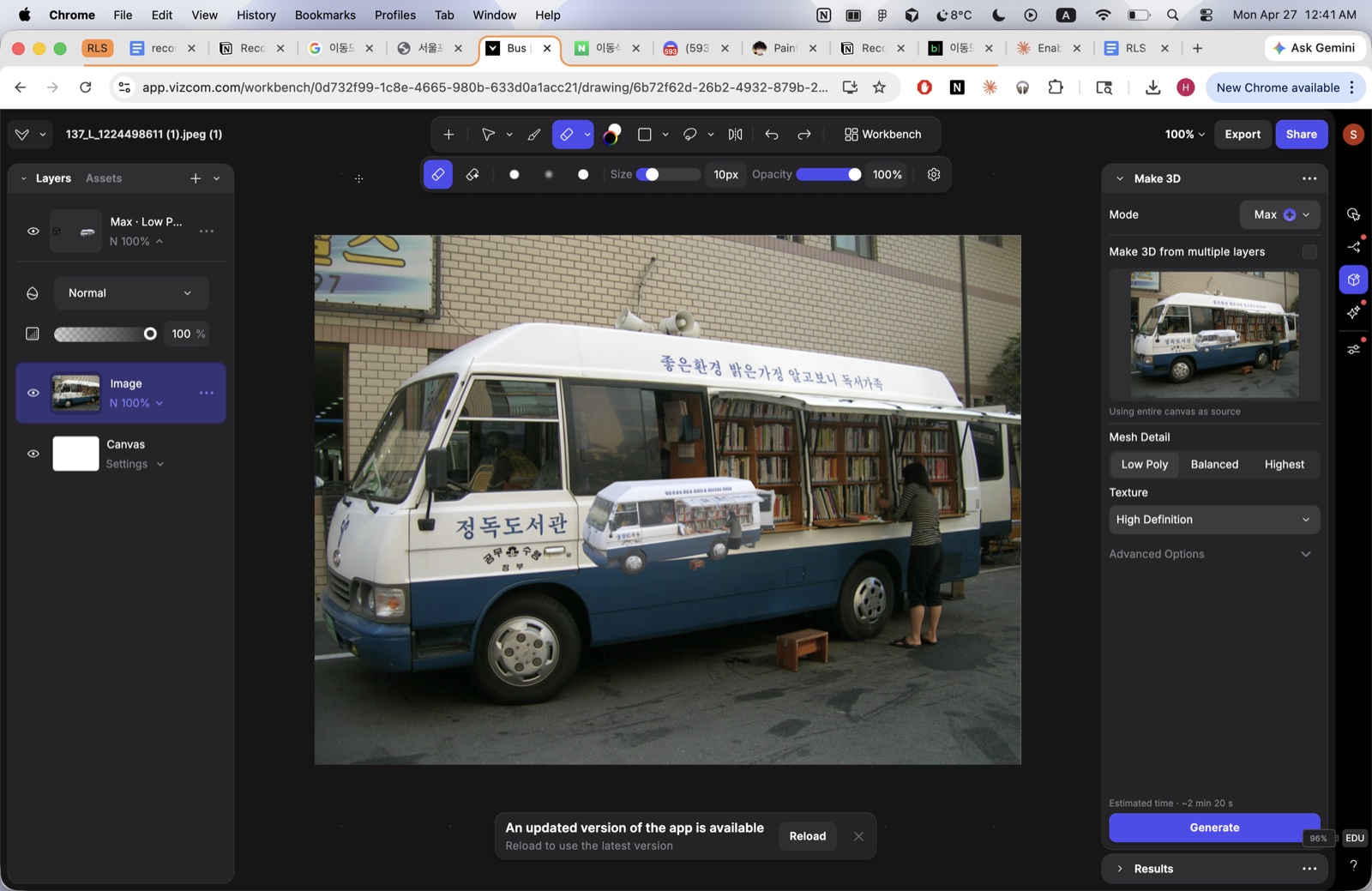
From a photo to a 3D model with Vizcom

I started with a real photograph of a Korean bookmobile (정독도서관 — JeongDok Library). The exact shape of those buses — the boxy roof, the tall windows down the side, the door that opens at the back — is specific enough that I didn't want to model it from scratch from memory. So I uploaded the photo into Vizcom and used its Make 3D from multiple layers feature to generate a base mesh.

Vizcom workspace showing the Korean bookmobile photo being converted into a 3D mesh

Vizcom's Make 3D tool turning the bookmobile photo into a base mesh I could refine in Blender.

The output wasn't clean — Vizcom does best on a recognizable silhouette and gets fuzzy around fine details like wheels and door hinges. But it gave me a topologically reasonable starting block I could open in Blender and work on top of, instead of starting with a default cube. The proportions were already correct, which is honestly the hardest part of any vehicle model.


Brushstrokes on geometry

For the painterly look on the bus, I used Painterly Geometry, a Blender add-on by Tawan Sunflower. Instead of relying on shaders alone, it scatters geometry-based brushstrokes across the surface, so the painted look survives whatever lighting the rendered scene throws at it. I also painted some details on top by hand using the bundled Paint System.

The catch came when I tried to export the scene to glTF. Painterly Geometry's shaders use a Mix Shader with a Transparent BSDF, which means a standard Diffuse bake produces a black image — there's no diffuse component to capture. I lost an evening to this before realizing the fix was to switch the bake type to Combined (with Direct/Indirect off and Emit on) or use the "plug-the-output-into-an-Emission-shader" trick. Once that was sorted, the painterly texture flattened cleanly into a 2K PNG that Three.js could read straight from the .glb.

"Diffuse → Color only" doesn't capture the painterly look. Combined or Emit does.


Choreographing the camera

The camera flies around the bus along a curve. Inside Blender, the rig was three pieces: a Bezier curve as the path, an Empty as the look-at target, and the camera itself with two constraints — Follow Path tying it to the curve and Track To aiming it at the empty. I animated the curve's Evaluation Time, which moved the camera along the path while Track To kept it framing the bus.

glTF doesn't understand Blender constraints. So before exporting I ran Object → Animation → Bake Action with Visual Keying and Clear Constraints turned on. That flattened the constraint-driven motion into a clean set of per-frame keyframes on the camera's local transform — exactly what glTF can carry. The final clip is 251 keyframes over 10.4 seconds.

Lighting was deliberately simple: a Sun for direction and a Point light to fill in the shadows. Both export to glTF as standard punctual lights, so they came along for the ride and Three.js renders them without any extra work.


Children's-book illustrations from Gemini and Runway

Scenes 1 and 2 needed visual moments that weren't 3D — quieter, more painterly, more like the cover of a picture book. I generated them with Google Gemini and Runway, iterating on prompt language until the brushwork felt consistent across both images.

Scene 1 — riverside path with mountains in the distance
Scene 2 — a girl absorbed in a book

Scene 1 (left) — the quiet country and the river. Scene 2 (right) — the child who waited, on a transparent background so she sits on the warm paper of the page.

The hard part wasn't generating any single image; it was getting two different images to feel like they came out of the same book. I leaned heavily on the same descriptive language across prompts — warm muted earth tones, hand-painted, soft brushwork, children's storybook style — and pushed the second image through several rounds of "brighter, more pastel" feedback until the palette matched.


Building the scroll

The web side is a Vite + React + TypeScript project using react-three-fiber (R3F) and @react-three/drei. R3F lets me write Three.js declaratively, which made the scroll wiring much easier to reason about than imperative Three.js would have been.

The trick that holds the whole experience together: instead of letting the camera animation auto-play, I scrub it by scroll position. Three.js exposes an AnimationMixer with a setTime() method — give it a time in seconds within the clip and it interpolates the camera to that exact frame. So in the render loop I do roughly:

const t = remap(scrollProgress, 0.40, 0.80, 0, clip.duration);
mixer.setTime(t);

That's it. Scrolling forward = camera flies forward. Scrolling backward = camera reverses. Pause scrolling and the camera holds in place mid-shot. To keep the scroll feeling intentional rather than jumpy, I added Lenis for momentum-eased smooth scrolling.

A few small details that mattered: setting outputColorSpace = SRGBColorSpace on the WebGL renderer so the painterly texture didn't render washed out; clamping setTime() to clip.duration − 0.001 so the AnimationMixer's LoopRepeat default didn't snap back to frame zero at scroll = 100%; and dimming Blender's physical-unit light intensities (lux/lumens) by ~100× so the bus wasn't blown out. Typography is Amulya via Fontshare's CDN.


What I learned

  • 01 Bake everything before you export. Constraints, drivers, modifiers — anything dynamic in Blender needs to be flattened into raw keyframes or geometry before it crosses into glTF. Visual Keying in Bake Action is the magic word.
  • 02 Test your camera through Numpad 0. I framed my whole rig in perspective view and assumed the export would look the same. It didn't, because the look-at empty was three units off from the bus. Always preview through the actual camera before baking.
  • 03 Scroll-driven animation feels different from autoplayed animation. Even at the same total duration, the user-controlled version feels deliberate and present. They earn each frame. Worth the extra plumbing.
  • 04 AI image generation is good at single beautiful images, harder at consistent series. Two paintings that need to feel like the same book is more iteration than I expected. Lock prompt language and let the same model do all the variants.
  • 05 Three.js's defaults aren't always what you want. sRGB output, light intensity scaling, animation loop modes — small flags with big visible consequences. Read the migration notes when you upgrade Three.

Best experienced by scrolling.

View the experience